Upload your XML or EDL timeline and get statistics about the use of cameras, media types and your editing style. Please flatten your multicam clips in the timeline before you export it.
Turn your XML or EDL timeline into a high-resolution PNG artwork of your edit.
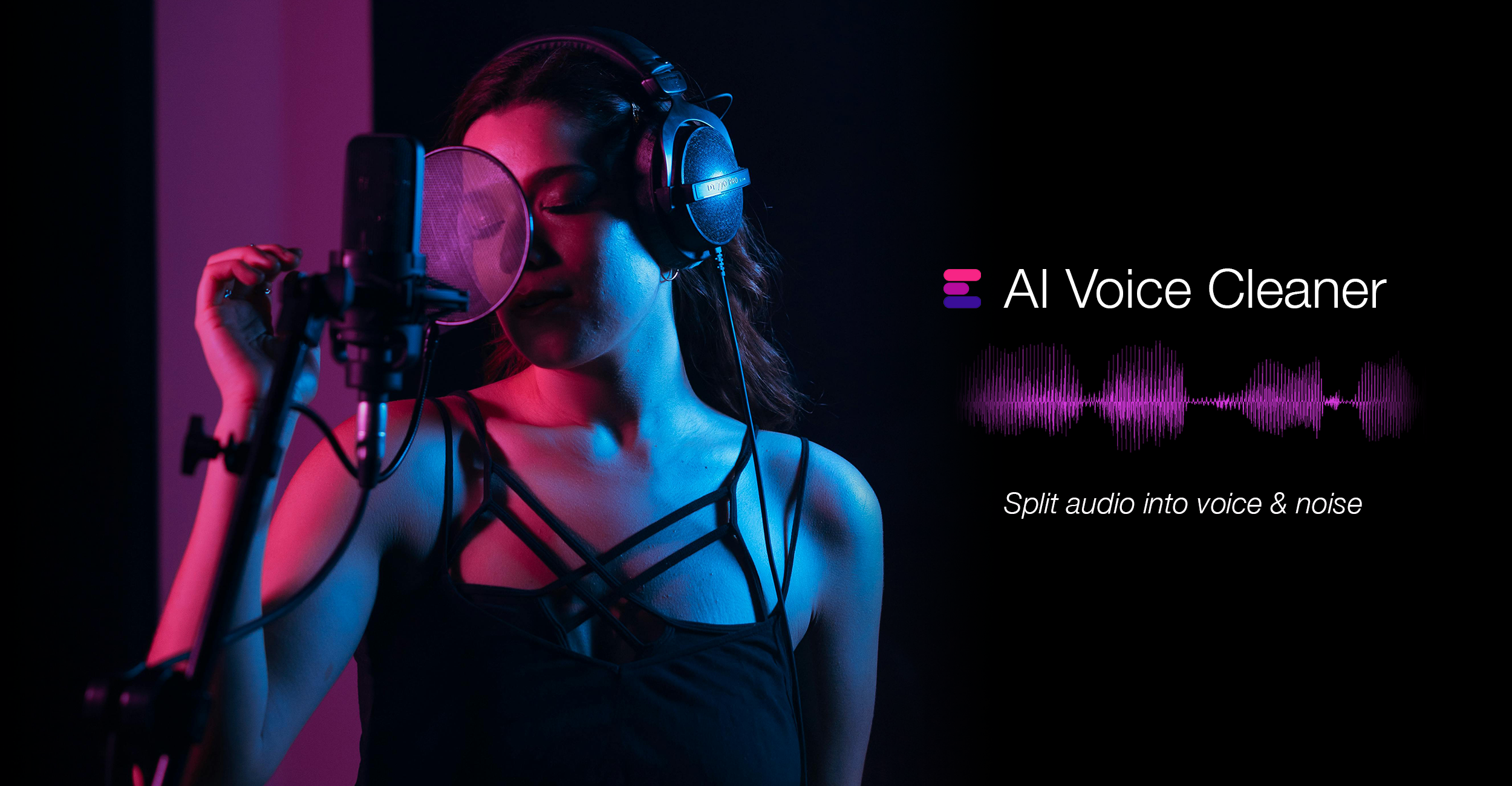
This tool allows you to extract and clean voices from an audio file, or remove a voice from an audio clip altogether. Upload one or more files to split the audio file and create a voice stem and a noise stem. The Noise Stem is a voiceless file that can be used as a karaoke or ambience track, for example.
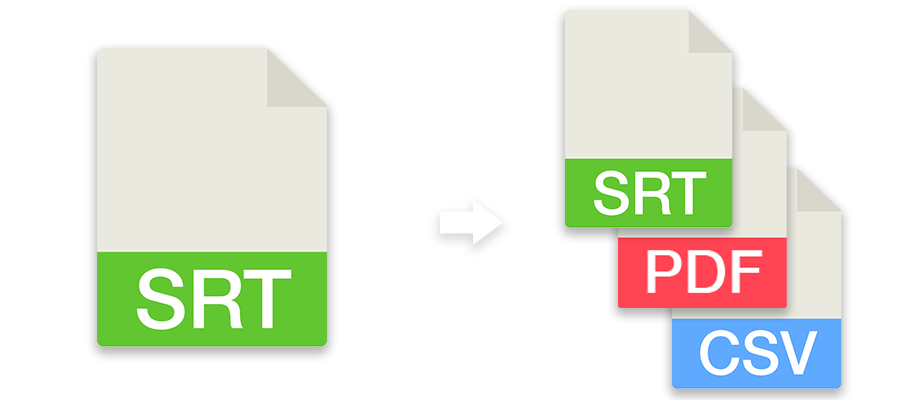
Convert subtitles to other file formats like SRT, VTT, SBV or use the tool to check subtitles for guidelines, repair, correct or move them. You can also convert subtitles to markers and use them in an editing program.